# Theme Documentation - Built-in Shortcodes


**Hugo** provides multiple built-in shortcodes for author convenience and to keep your markdown content clean.

<!--more-->

Hugo uses Markdown for its simple content format. However, there are a lot of things that Markdown doesn’t support well. You could use pure HTML to expand possibilities.

But this happens to be a bad idea. Everyone uses Markdown because it’s pure and simple to read even non-rendered. You should avoid HTML to keep it as simple as possible.

To avoid this limitations, Hugo created [shortcodes](https://gohugo.io/extras/shortcodes/).
A shortcode is a simple snippet that can generate reasonable HTML code and conforms to Markdown's design philosophy.

Hugo ships with a set of predefined shortcodes that represent very common usage. These shortcodes are provided for author convenience and to keep your markdown content clean.

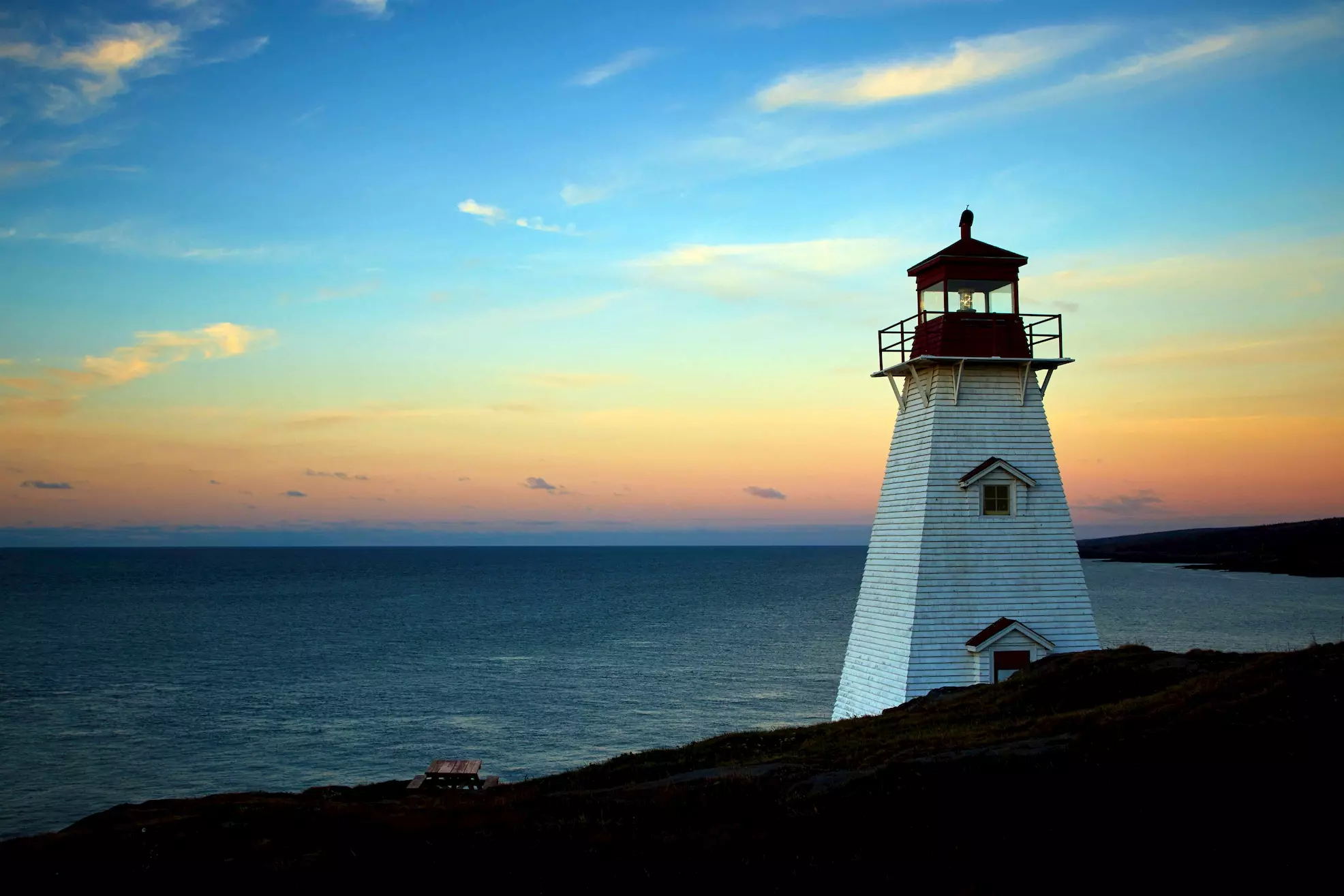
## figure {#figure}

[Documentation of `figure`](https://gohugo.io/content-management/shortcodes#figure)

Example `figure` input:

```markdown
{{</* figure src="/images/lighthouse.webp" title="Lighthouse (figure)" */>}}
```

The rendered output looks like this:

{{< figure src="/images/lighthouse.webp" title="Lighthouse (figure)" >}}

The HTML looks like this:

```html
<figure>
    <img src="/images/lighthouse.webp"/>
    <figcaption>
        <h4>Lighthouse (figure)</h4>
    </figcaption>
</figure>
```

## gist

[Documentation of `gist`](https://gohugo.io/content-management/shortcodes#gist)

Example `gist` input:

```markdown
{{</* gist spf13 7896402 */>}}
```

The rendered output looks like this:

{{< gist spf13 7896402 >}}

The HTML looks like this:

```html
<script type="application/javascript" src="https://gist.github.com/spf13/7896402.js"></script>
```

## highlight

[Documentation of `highlight`](https://gohugo.io/content-management/shortcodes#highlight)

Example `highlight` input:

```markdown
{{</* highlight html */>}}
<section id="main">
    <div>
        <h1 id="title">{{ .Title }}</h1>
        {{ range .Pages }}
            {{ .Render "summary"}}
        {{ end }}
    </div>
</section>
{{</* /highlight */>}}
```

The rendered output looks like this:

{{< highlight html >}}
<section id="main">
    <div>
        <h1 id="title">{{ .Title }}</h1>
        {{ range .Pages }}
            {{ .Render "summary"}}
        {{ end }}
    </div>
</section>
{{< /highlight >}}

## param

[Documentation of `param`](https://gohugo.io/content-management/shortcodes#param)

Example `param` input:

```markdown
{{</* param description */>}}
```

The rendered output looks like this:

{{< param description >}}

## ref and relref {#ref-and-relref}

[Documentation of `ref` and `relref`](https://gohugo.io/content-management/shortcodes#ref-and-relref)

## tweet

[Documentation of `tweet`](https://gohugo.io/content-management/shortcodes#tweet)

Example `tweet` input:

```markdown
{{</* tweet user="SanDiegoZoo" id="1453110110599868418" */>}}
```

{{< tweet user="SanDiegoZoo" id="1453110110599868418" >}}

## vimeo

[Documentation of `vimeo`](https://gohugo.io/content-management/shortcodes#vimeo)

Example `vimeo` input:

```markdown
{{</* vimeo 146022717 */>}}
```

The rendered output looks like this:

{{< vimeo 146022717 >}}

## youtube

[Documentation of `youtube`](https://gohugo.io/content-management/shortcodes#youtube)

Example `youtube` input:

```markdown
{{</* youtube w7Ft2ymGmfc */>}}
```

The rendered output looks like this:

{{< youtube w7Ft2ymGmfc >}}